
{{ getFeatureName(action_mode) }} your image

Drop your image here.
Our popular AI tools
Enhance Photo
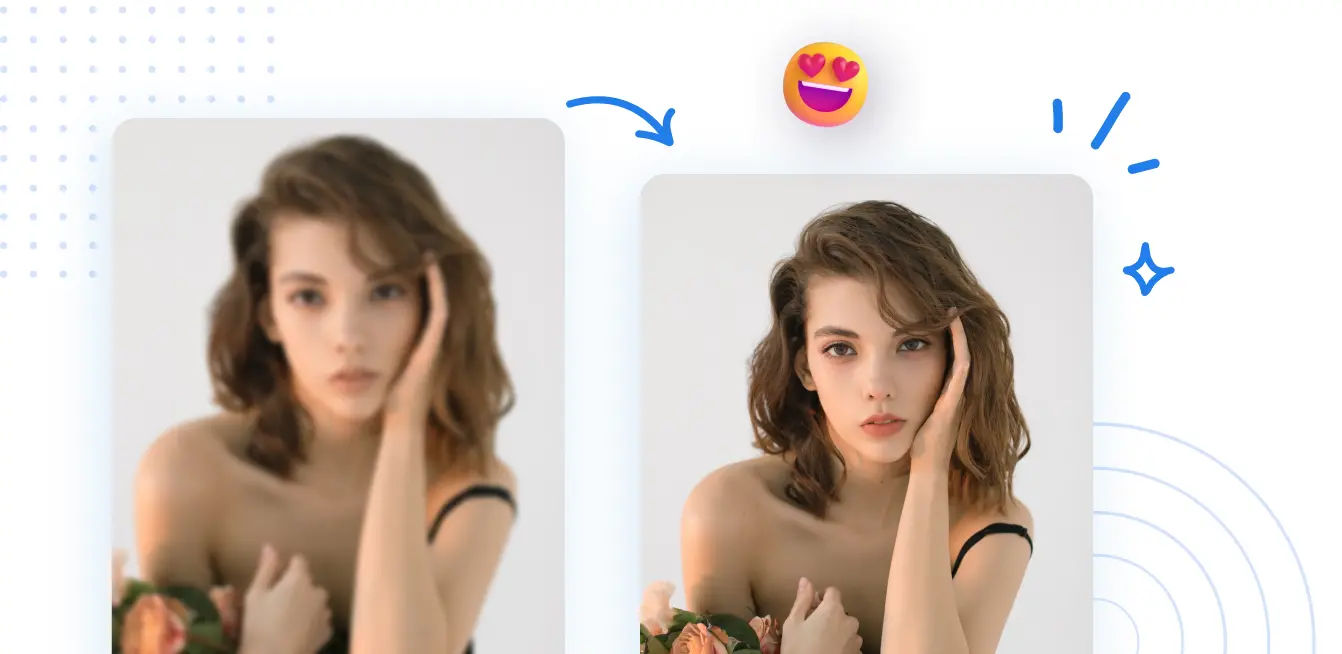
Automatically enhance the blurry photo's resolution and increase the overall quality.
Remove Objects
AIPhotor's One-Touch AI simply detects and removes unwanted details in your picture.
Remove Background
Seamlessly remove background from photos. Edit background with 100+ well-designed templates.
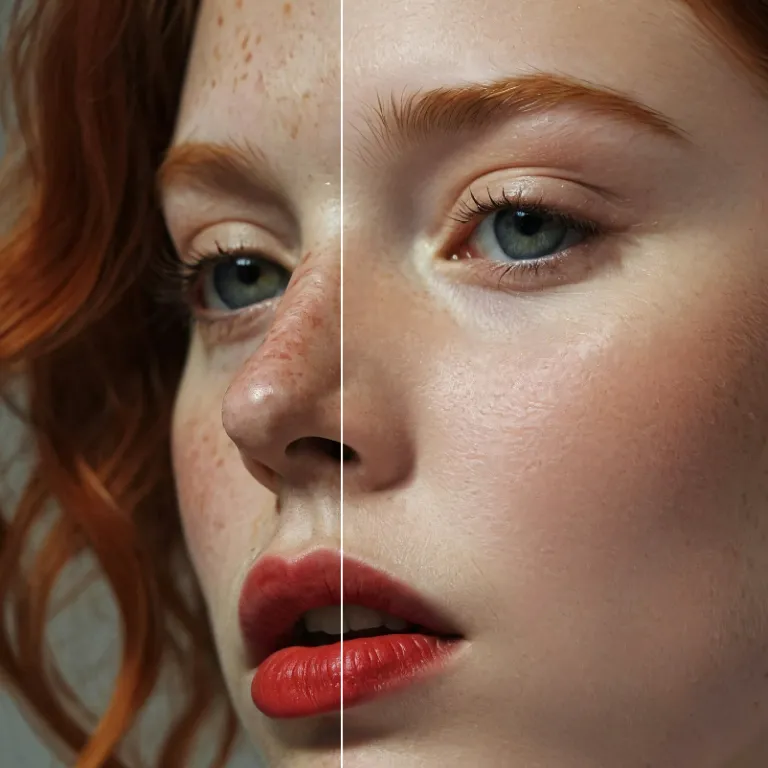
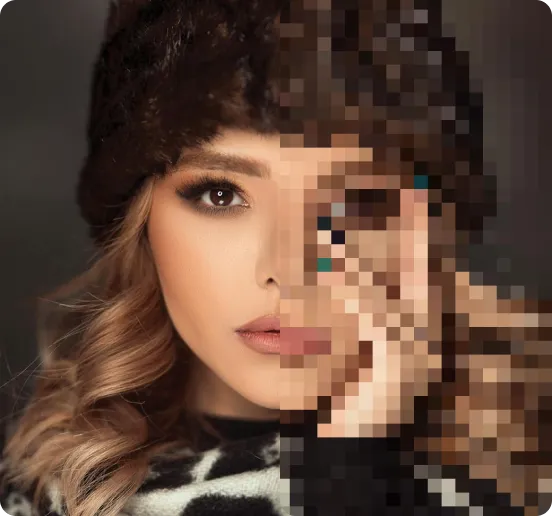
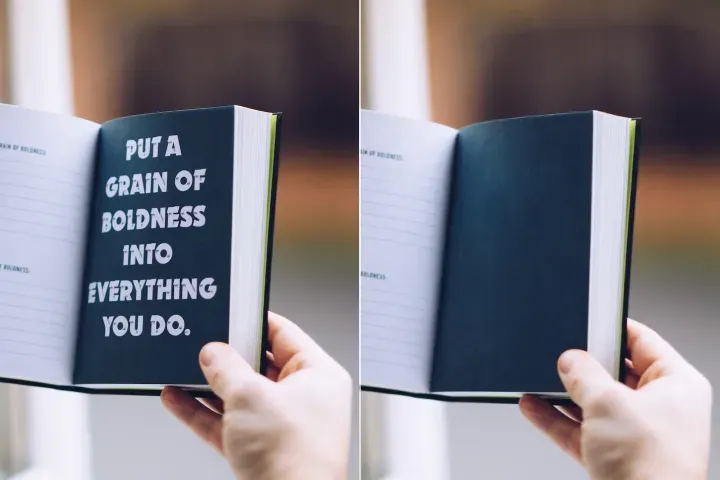
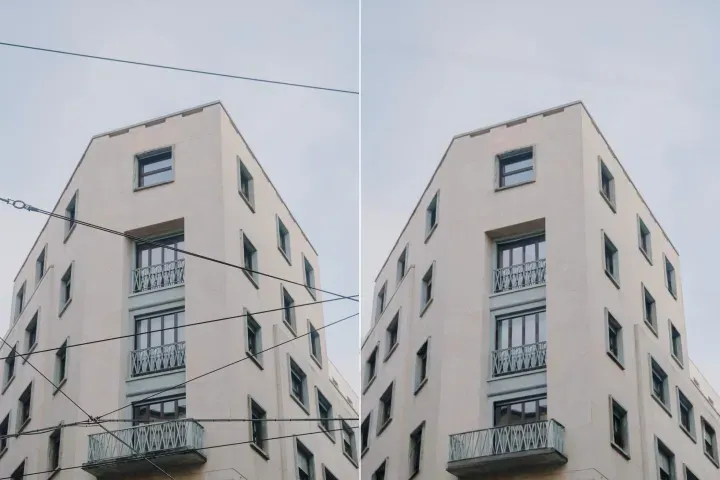
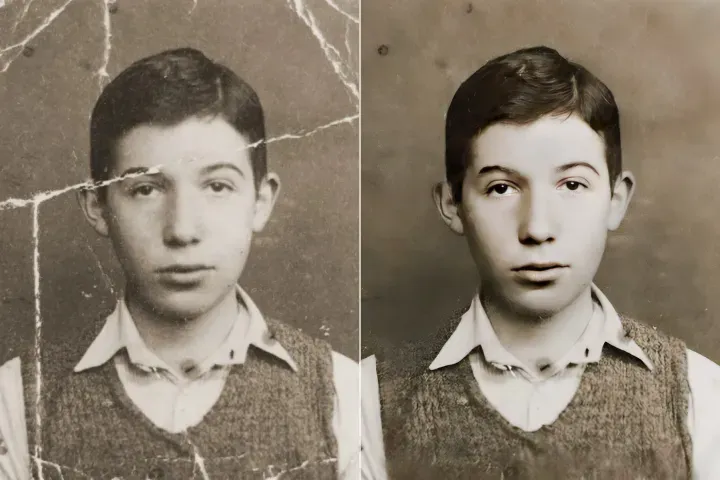
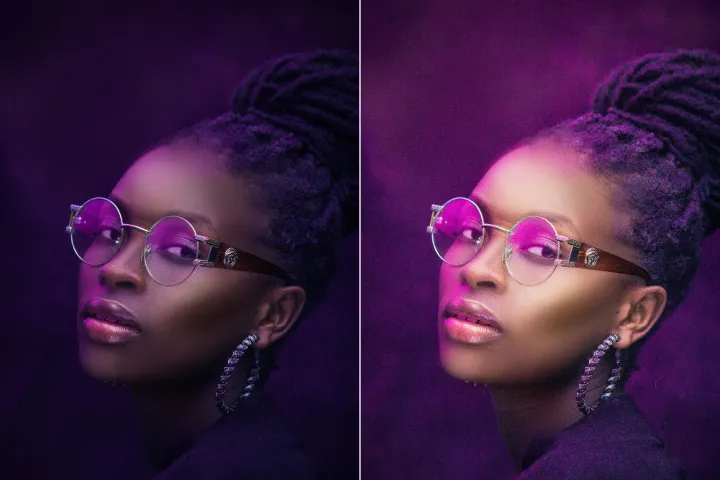
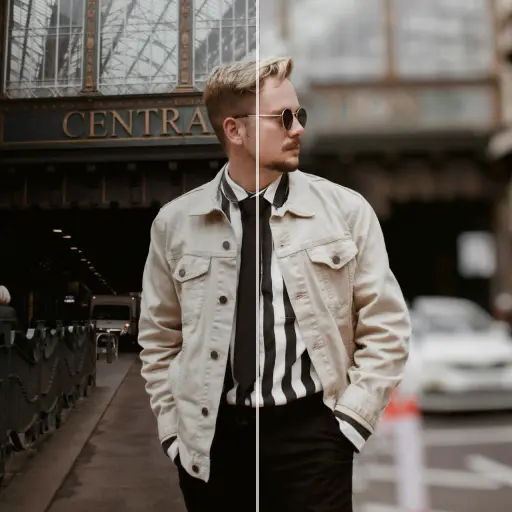
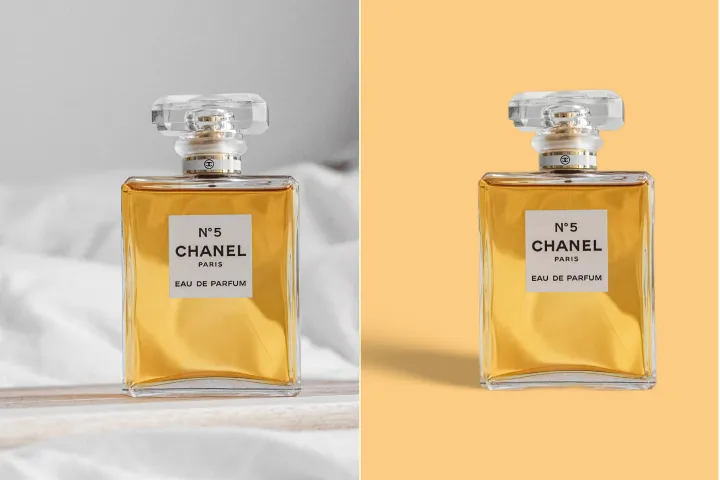
Fotos online verbessern
mit KI
PDF-Austausch und Integration: Verbessern Sie Assets mit dem KI-Fotoverbesserer von PDFxi innerhalb von PDF-Workflows und formatsübergreifend; integrationsfertige, strukturierte Verbesserungen mit konsistenter Datenverarbeitung.




So verwenden Sie den KI-Fotoverbesserer für PDF-Austausch und -Integration
Aktivieren Sie zuverlässige, strukturierte bidirektionale Bildverbesserungen innerhalb von PDF-Workflows und formatsübergreifenden Austauschen. Verwenden Sie den KI-Fotoverbesserer als Transformations- und Integrationsschritt in Ihren Dokumenten-Pipelines, über Geräte und Systeme hinweg.
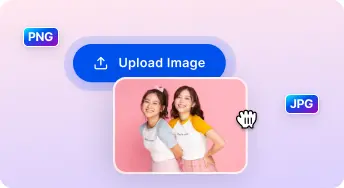
1 Bild hochladen
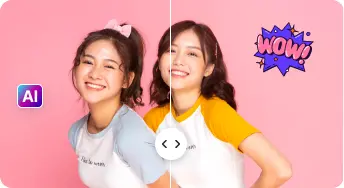
2 Vergleichen & Anpassen:

3 Herunterladen & Teilen:
All-in-One-KI Foto-Verbesserungs-Sets
Porträts & Selfies verbessern
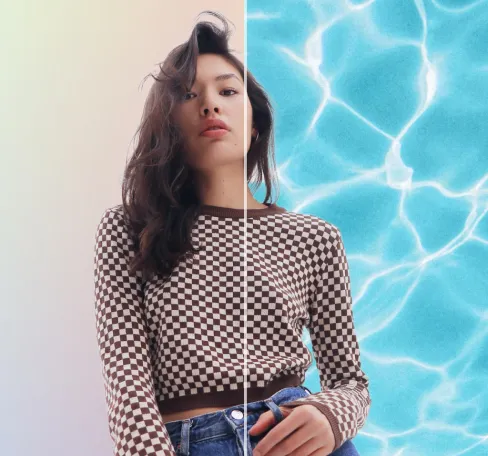
Behalten Sie authentische Gesichtszüge bei, während natürliche Verbesserungen ermöglicht werden, die sich für formatsübergreifenden Austausch eignen, ohne Überbearbeitung in Mehrsystem-Workflows.
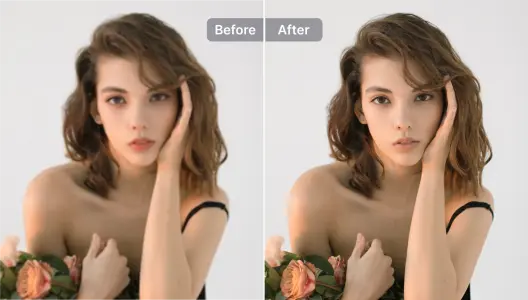
Produktfotos verbessern
Produktvisualisierungen für Katalog- und PDF-Arbeitsabläufe verbessern; mit Hintergrundentfernung kombinieren, um professionelle, austauschbereite Assets über Formate hinweg bereitzustellen.
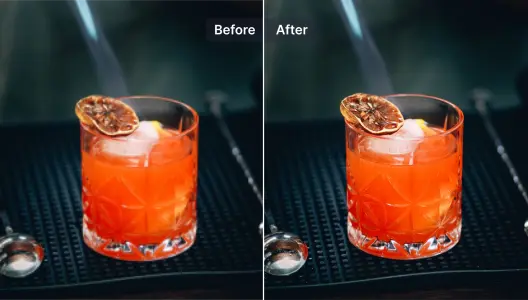
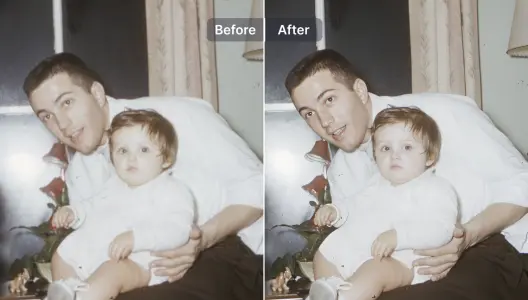
Unscharfe Fotos verbessern und reparieren
Details in unscharfen Bildern wiederherstellen, um eine zuverlässige Überführung in PDFs und andere Formate innerhalb von Integrationsprozessen zu ermöglichen.
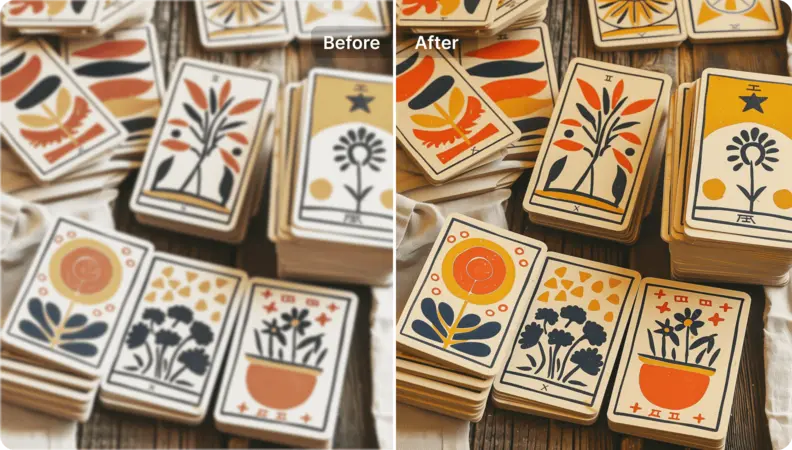
Illustrationen und Grafikdesigns verbessern
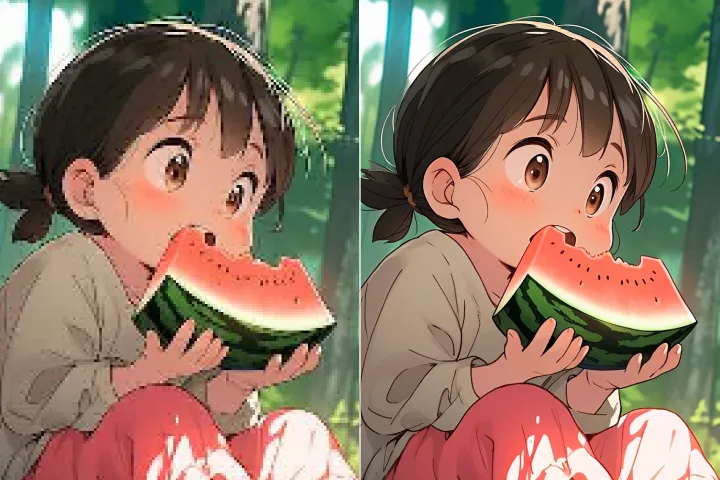
Illustrationen, Grafiken und Designs für PDF- und formatübergreifende Integration hochskalieren und aufwerten, während die künstlerische Integrität systemübergreifend erhalten bleibt.
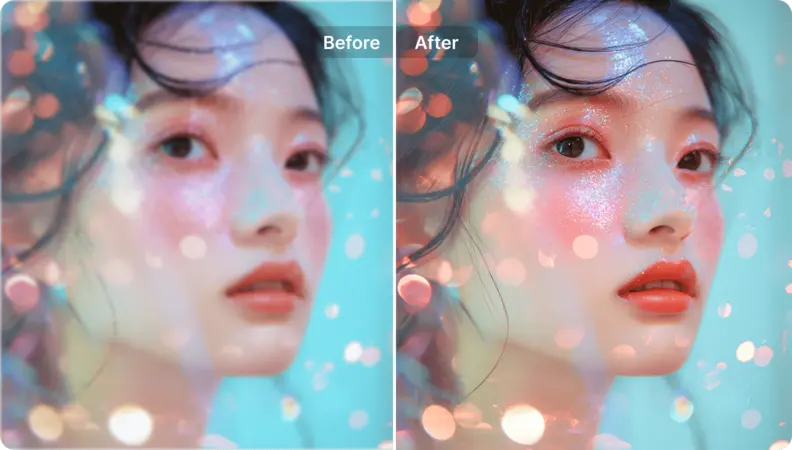
Kunstbilder hochskalieren
Verschiedene Medientypen in hochauflösende, präsentationsbereite Assets umwandeln, optimiert für den PDF-Austausch und konsistente Datenverarbeitung über Formate hinweg.
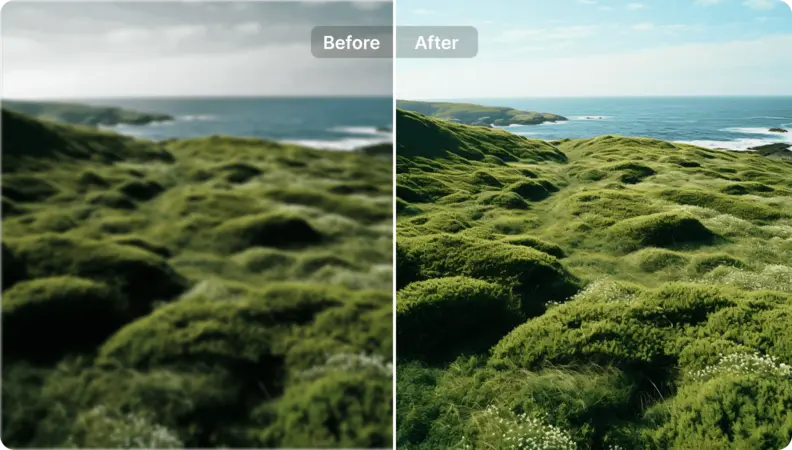
Landschaftsfotos neues Leben einhauchen
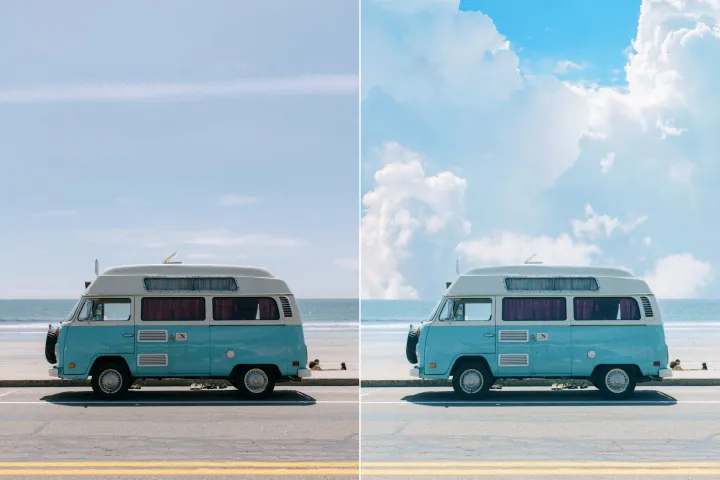
PDF-Austausch-Workflows visuell und strukturell verbessern. Verwenden Sie KI-Eingabeaufforderungen, um den Verbesserungsprozess zu steuern, und erreichen Sie zuverlässige, strukturierte bidirektionale Konvertierungen über Formate und Systeme hinweg.

Free to Try
AIPhotor is free to try for 3 days, after which you can subscribe to one of our incredible value plans.

Free to Try
We automatically sharpen and transform your images with AI to create multiple final looks. But you can also adjust and add a prompt to customize the results. Choose what works best for you!

Quick & Easy
Screen, edit, resize and download your photos lightning fast.

Compatible with all devices
AIPhotor is available on the iOS and Android stores. Our app works seamlessly across mobile, desktop, and tablet devices.
Frequently Asked Questions
-
What is AIPhotor Photo Editor?

 AIPhotor is a visual online photo editing website that leverages AI technology to help automatically remove objects/people from images; retouch, enhance, colorize, correct, cartoonize, and animate photos in a snap, replacing other photo editing tools Photoshop, Pixlr editor, or Photopea.
Or just drag & drop image here, upto 50 images at once
Or just drag & drop image here, upto 50 images at once
Frequently Asked Questions
-
What is AIPhotor Photo Editor?
AIPhotor is a visual online photo editing website that leverages AI technology to help automatically remove objects/people from images; retouch, enhance, colorize, correct, cartoonize, and animate photos in a snap, replacing other photo editing tools Photoshop, Pixlr editor, or Photopea.