
{{ getFeatureName(action_mode) }} your image

Drop your image here.
Our popular AI tools
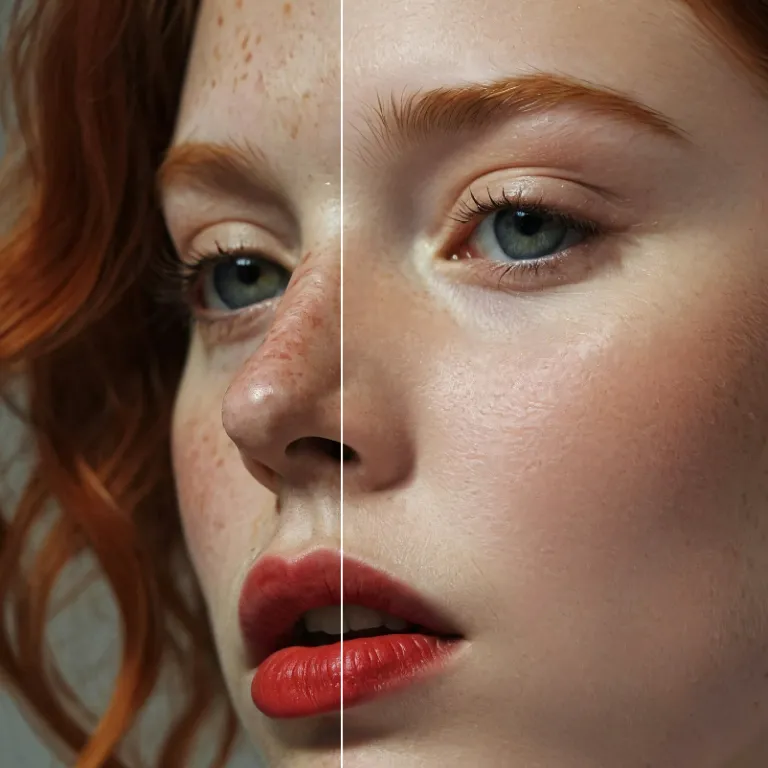
Enhance Photo
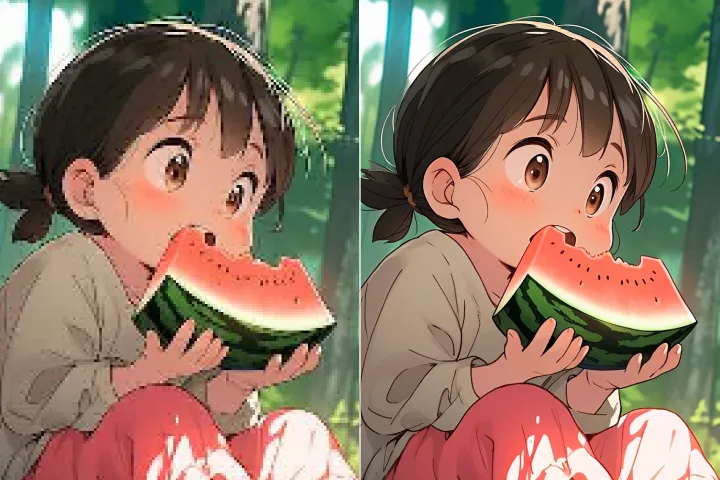
Automatically enhance the blurry photo's resolution and increase the overall quality.
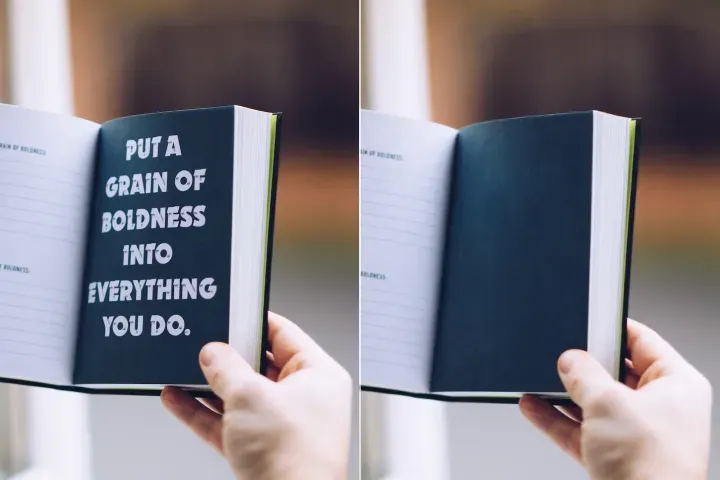
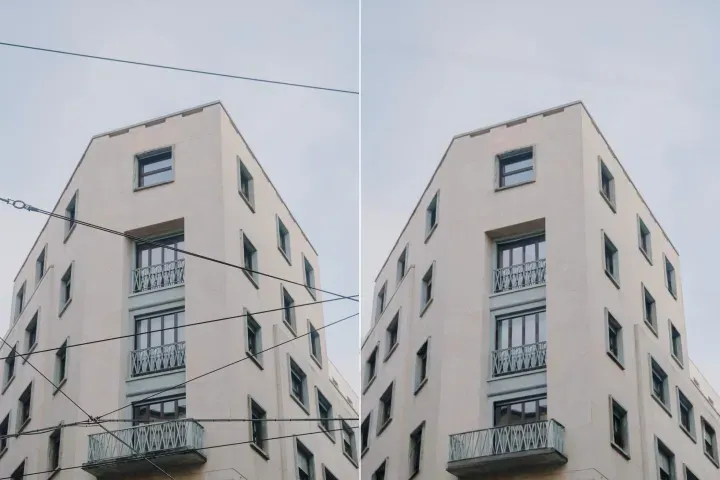
Remove Objects
AIPhotor's One-Touch AI simply detects and removes unwanted details in your picture.
Remove Background
Seamlessly remove background from photos. Edit background with 100+ well-designed templates.
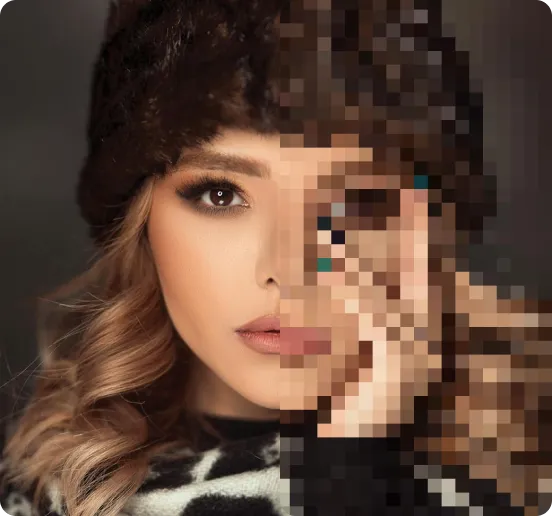
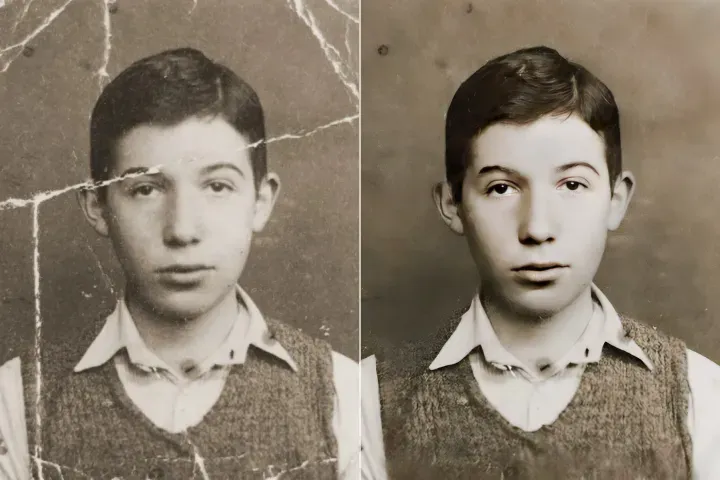
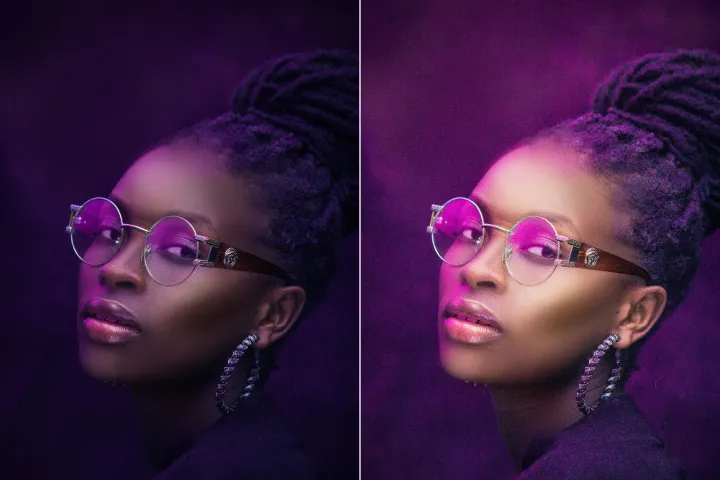
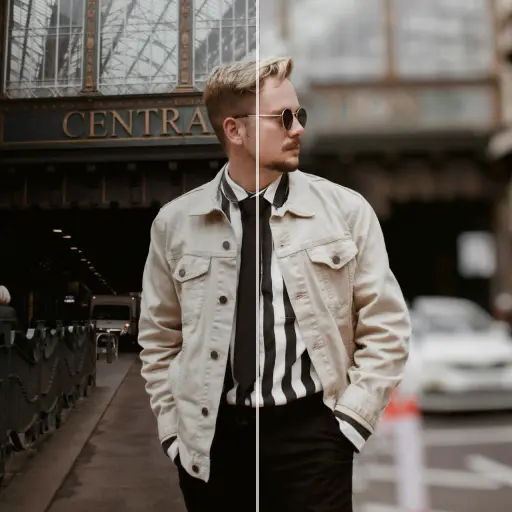
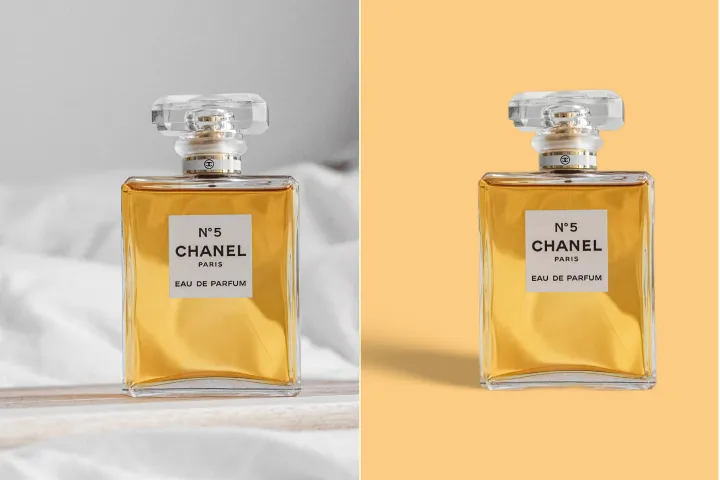
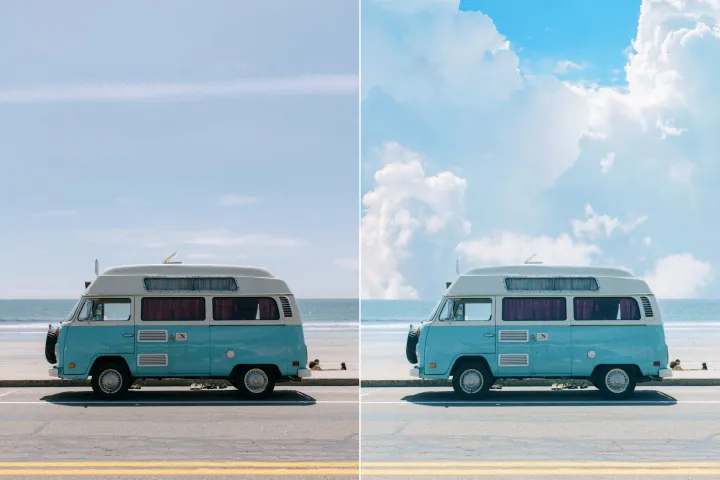
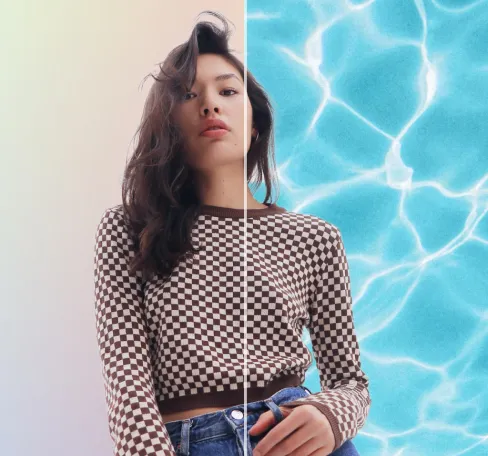
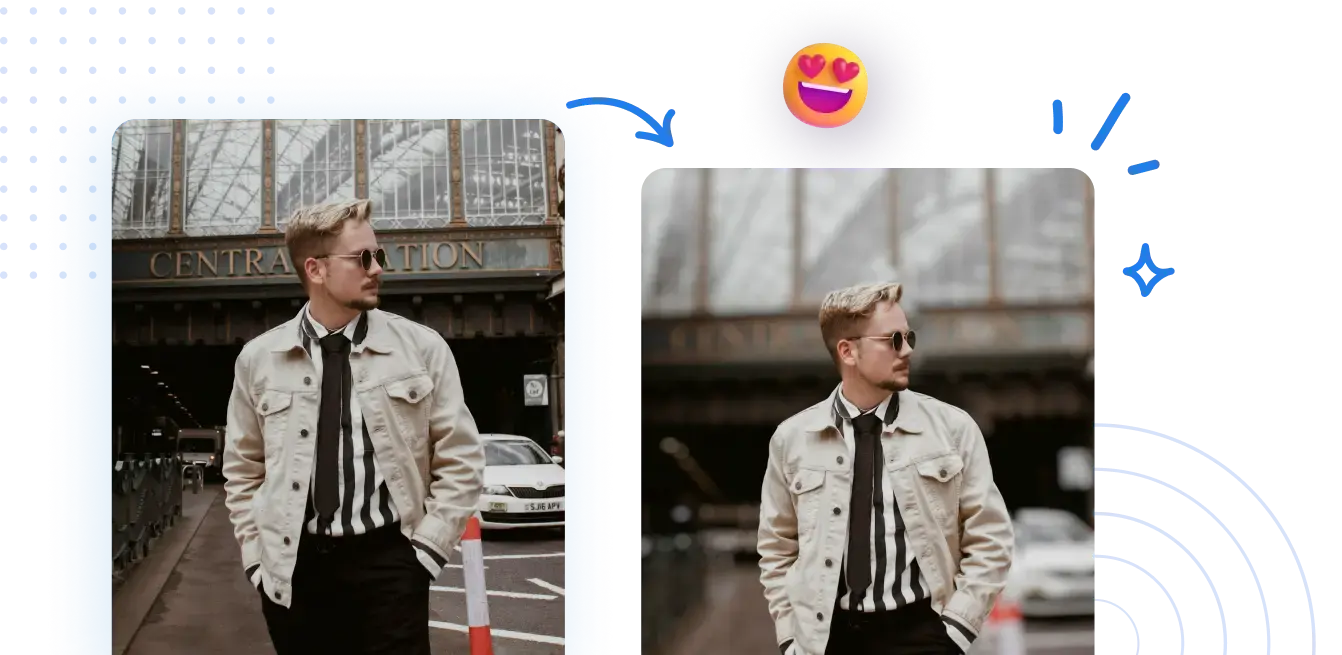
Sfoca lo sfondo delle foto gratuitamente
Abilita facilmente l'elaborazione in background per i compiti PDF con il nostro toolkit di integrazione. Veloce, affidabile e progettato per i flussi di lavoro di produzione.



Come configurare l'elaborazione in background dei PDF nel tuo flusso di integrazione.
Non è necessaria alcuna configurazione di integrazione complessa. Abilita uno scambio di contenuti PDF professionale, pronto per l'integrazione, con pochi clic.
1 Carica una foto
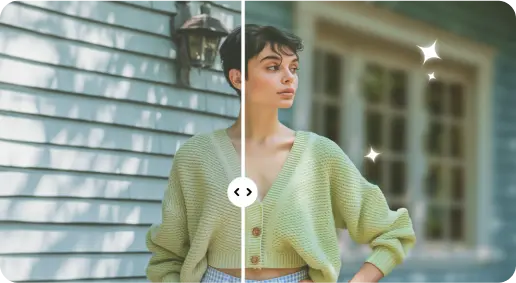
2 Sfoca lo sfondo con effetti basati sull'IA
3 Salva la nuova foto
Edge-Perfetto Strumento di sfocatura dello sfondo
Aggiungi profondità alle foto del ritratto
Utilizza il flusso di lavoro di integrazione per preservare la semantica del documento e evidenziare le sezioni chiave tra i formati, garantendo una resa coerente e fedeltà durante lo scambio.
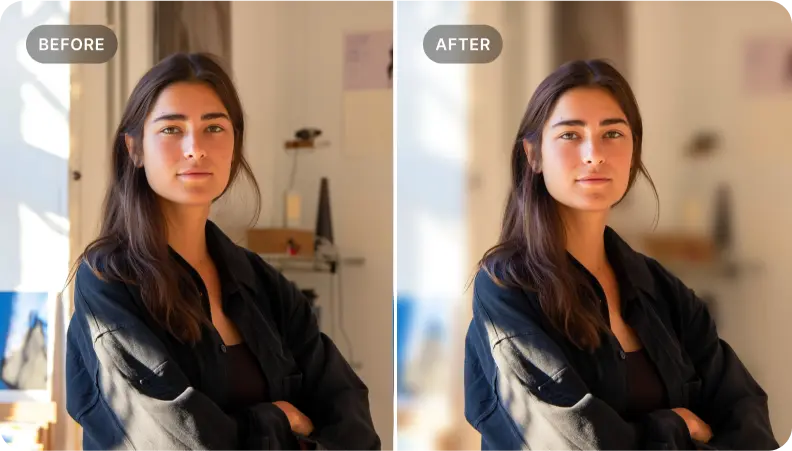
Migliora la documentazione del prodotto per lo scambio tra sistemi PDF
Applica una formattazione strutturata e una mappatura per evidenziare i metadati e le specifiche critiche del prodotto, garantendo che i dettagli chiave siano preservati tra i formati e rendendo possibili scambi affidabili basati su PDF.
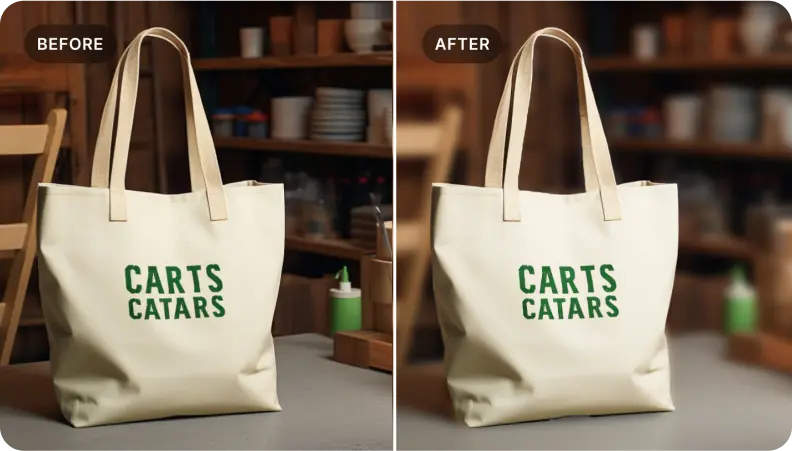
Concentrati sugli elementi essenziali del documento negli scambi tra formati
Ideale per i team di documentazione che vogliono isolare sezioni chiave. Applica etichettatura precisa ed estrazione selettiva del contenuto per produrre PDF coerenti, pronti per lo scambio, che raccontino una storia chiara.
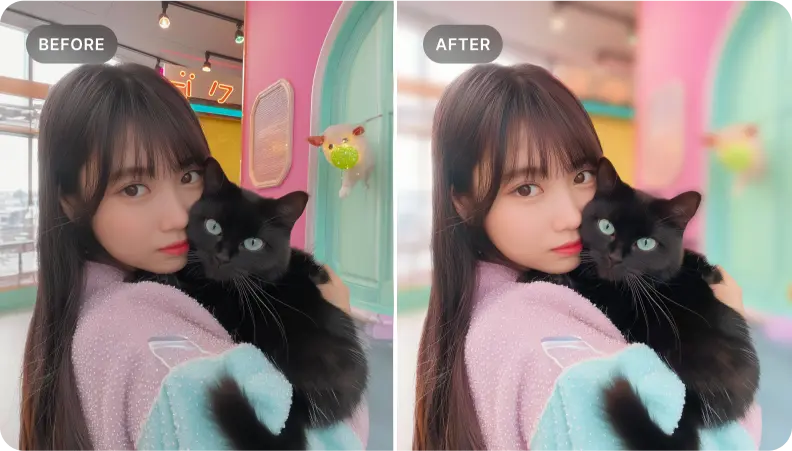

Free to Try
AIPhotor is free to try for 3 days, after which you can subscribe to one of our incredible value plans.

Free to Try
We automatically sharpen and transform your images with AI to create multiple final looks. But you can also adjust and add a prompt to customize the results. Choose what works best for you!

Quick & Easy
Screen, edit, resize and download your photos lightning fast.

Compatible with all devices
AIPhotor is available on the iOS and Android stores. Our app works seamlessly across mobile, desktop, and tablet devices.
Frequently Asked Questions
-
What is AIPhotor Photo Editor?

 AIPhotor is a visual online photo editing website that leverages AI technology to help automatically remove objects/people from images; retouch, enhance, colorize, correct, cartoonize, and animate photos in a snap, replacing other photo editing tools Photoshop, Pixlr editor, or Photopea.
Or just drag & drop image here, upto 50 images at once
Or just drag & drop image here, upto 50 images at once
Frequently Asked Questions
-
What is AIPhotor Photo Editor?
AIPhotor is a visual online photo editing website that leverages AI technology to help automatically remove objects/people from images; retouch, enhance, colorize, correct, cartoonize, and animate photos in a snap, replacing other photo editing tools Photoshop, Pixlr editor, or Photopea.