
{{ getFeatureName(action_mode) }} your image

Drop your image here.
Our popular AI tools
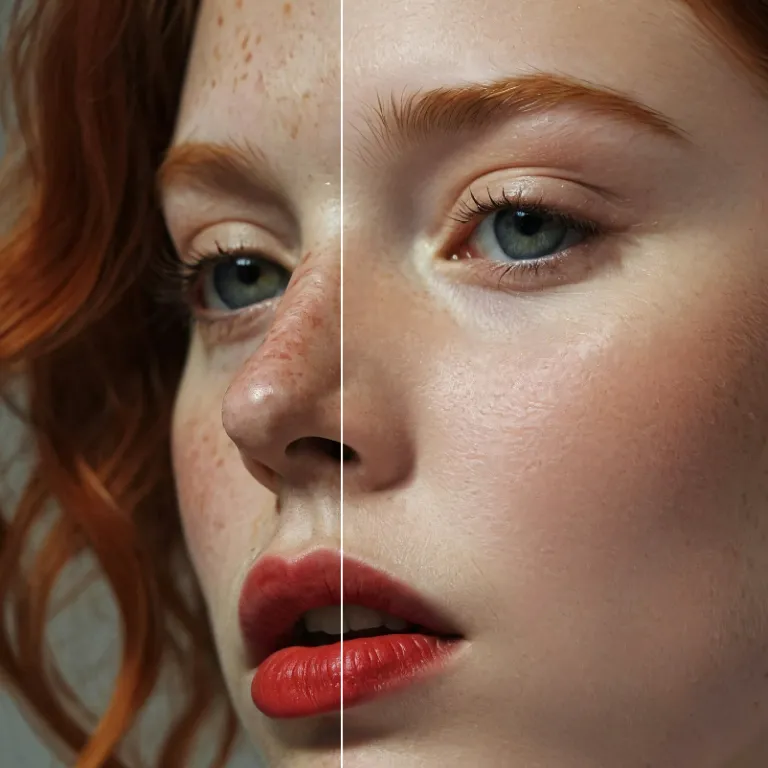
Enhance Photo
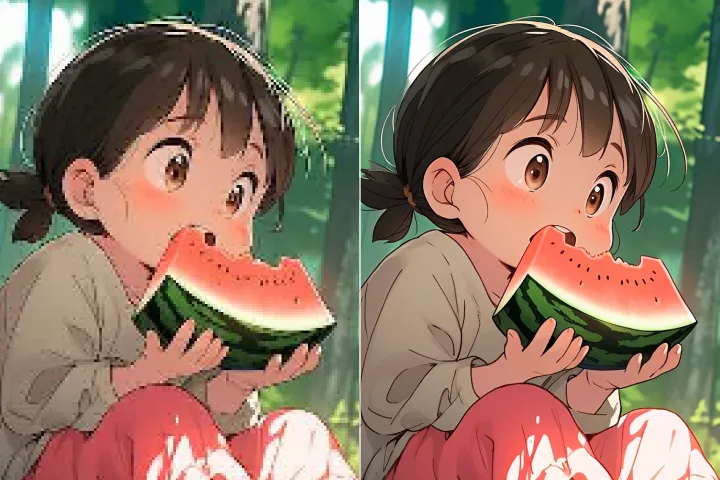
Automatically enhance the blurry photo's resolution and increase the overall quality.
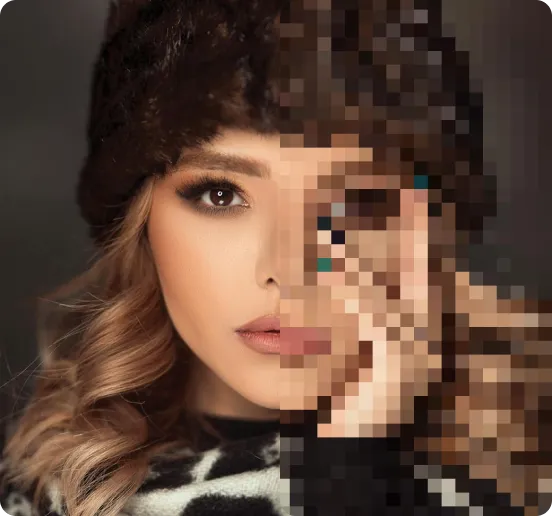
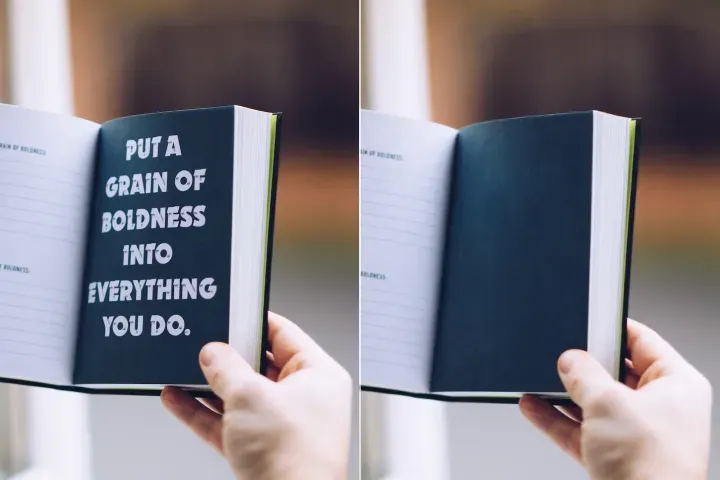
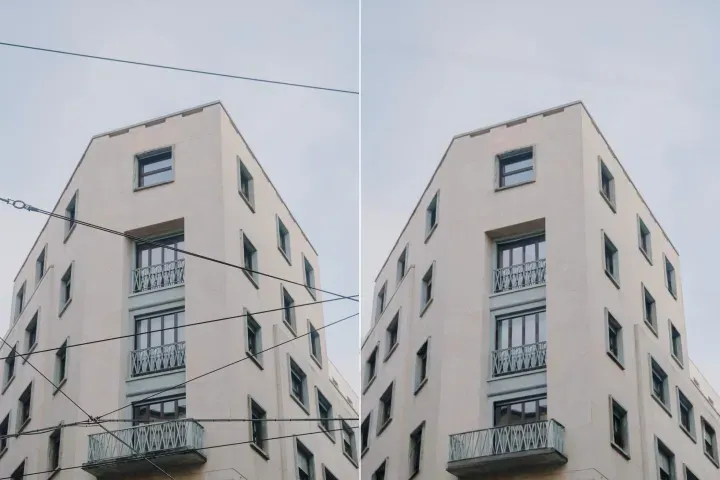
Remove Objects
AIPhotor's One-Touch AI simply detects and removes unwanted details in your picture.
Remove Background
Seamlessly remove background from photos. Edit background with 100+ well-designed templates.
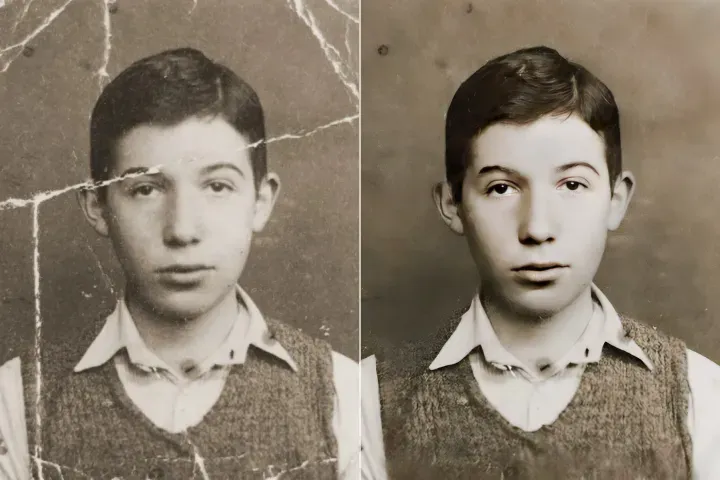
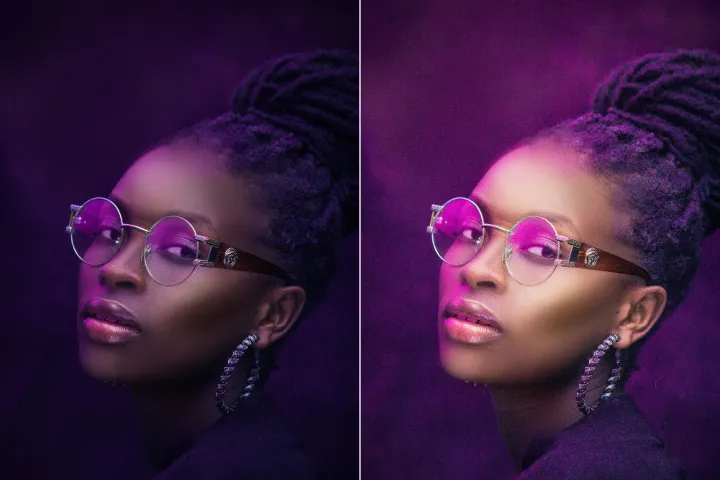
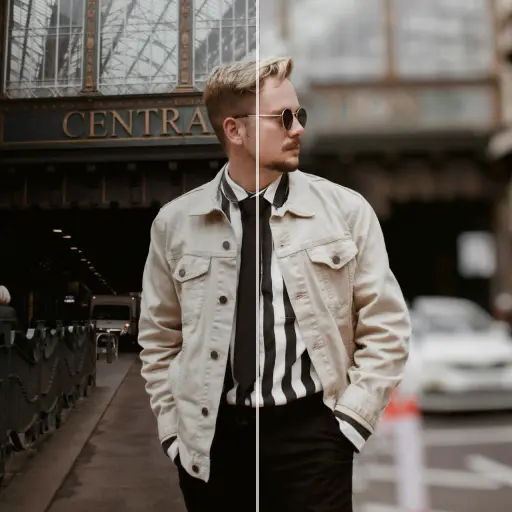
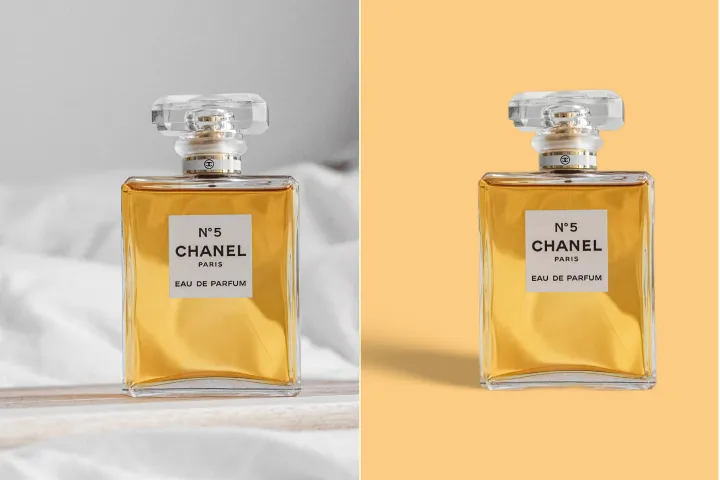
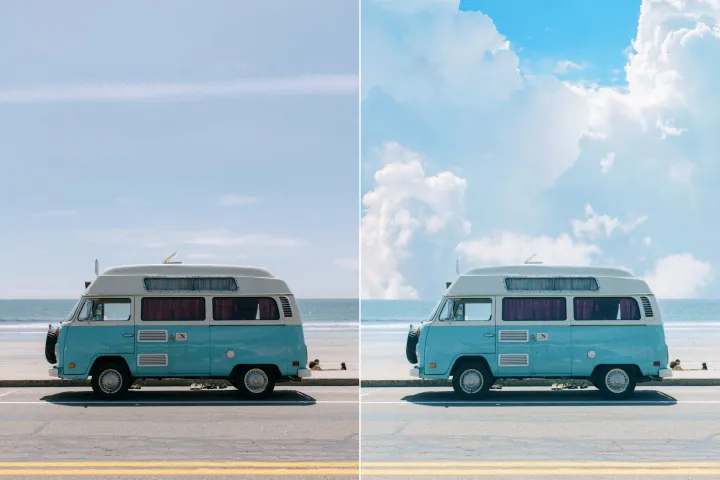
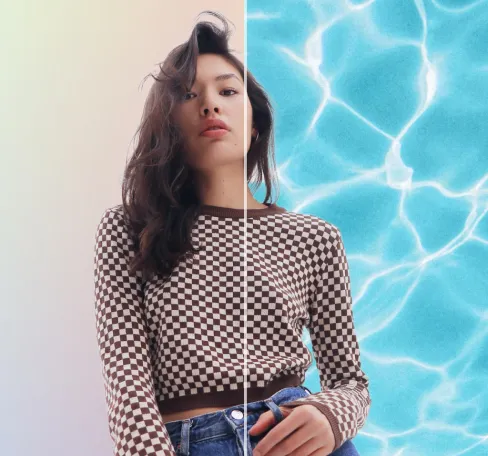
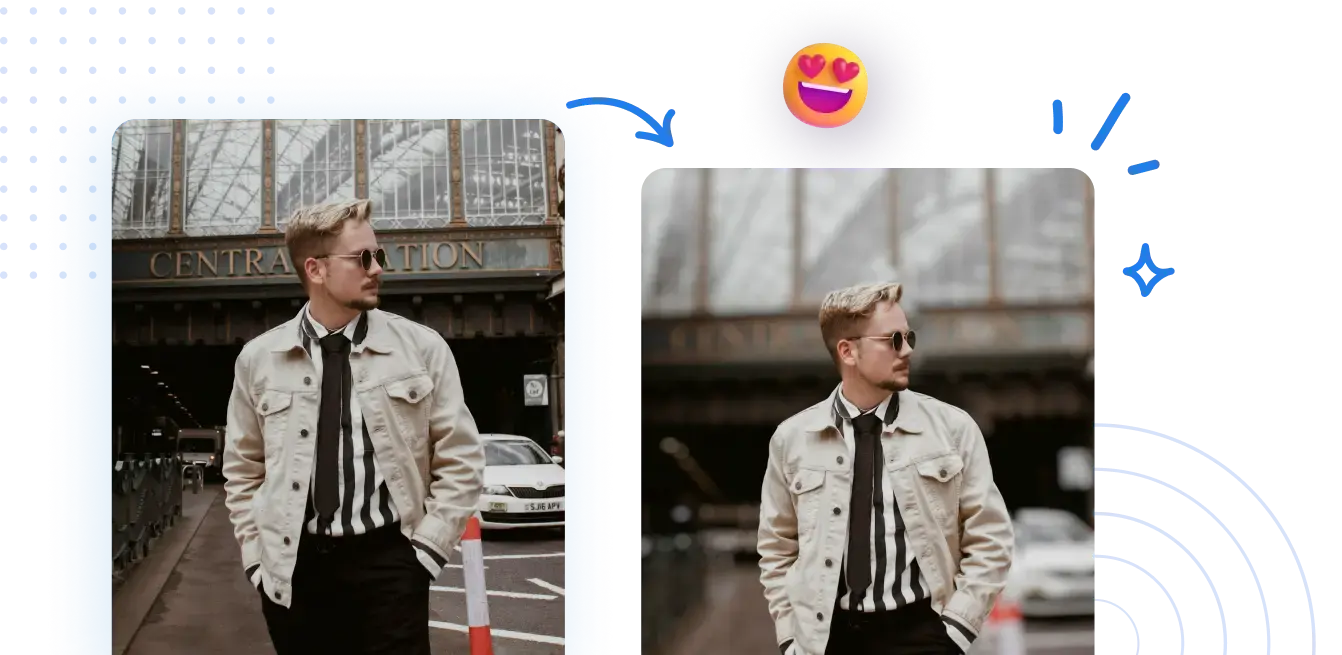
Oskärpa bakgrunden på foton gratis
Aktivera bakgrundsbehandling av PDF-uppgifter enkelt med vårt integrationsverktyg. Snabbt, pålitligt och utformat för produktionsarbetsflöden.



Så här konfigurerar du bakgrundsbehandling av PDF i ditt integrationsarbetsflöde.
Ingen komplex integrationsuppsättning krävs. Aktivera professionellt, integrationsklar PDF-innehållsutbyte med några få klick.
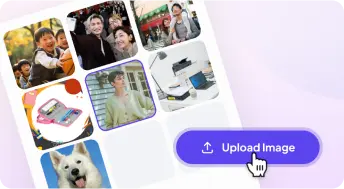
1 Ladda upp ett foto
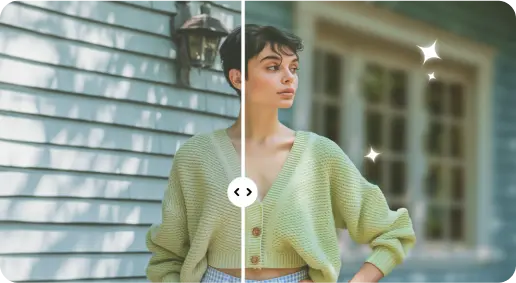
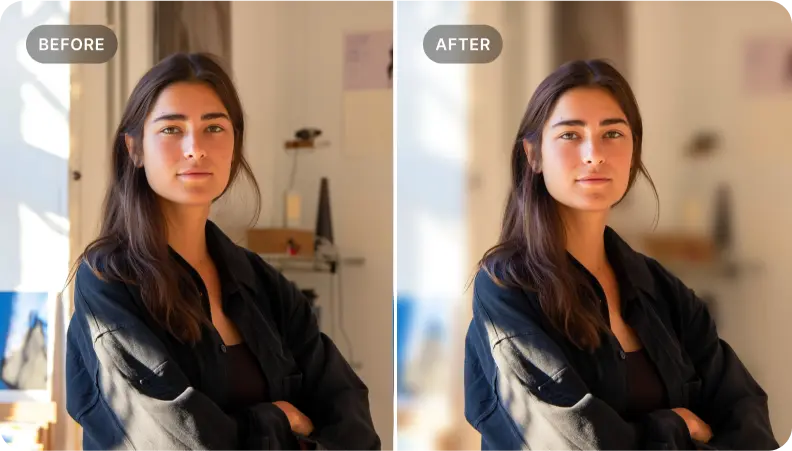
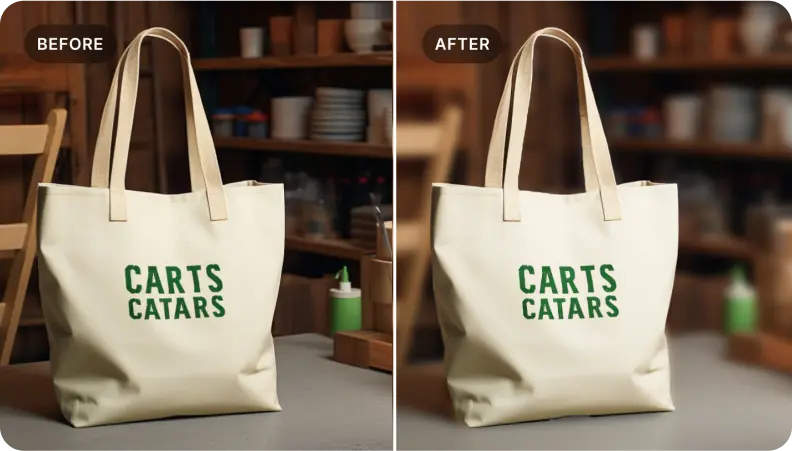
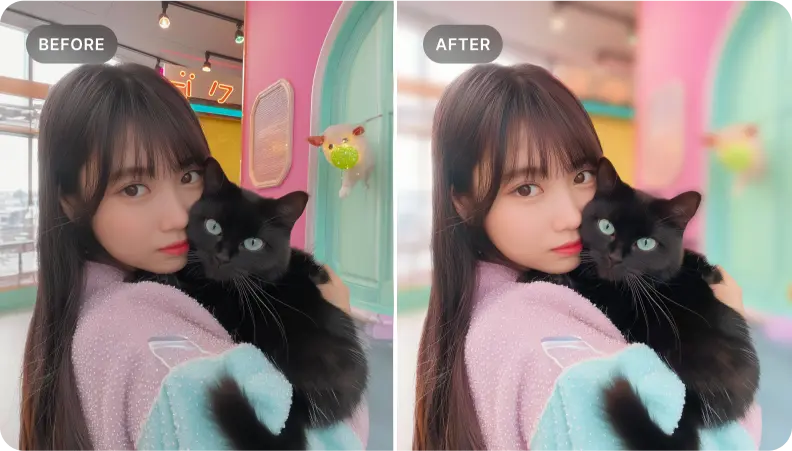
2 Gör bakgrunden suddig med AI-drivna effekter
3 Spara den nya bilden
Kant-Perfekt Verktyg för bakgrundsoskärpa
Lägg till djup i porträttfoton
Använd integrationsarbetsflödet för att bevara dokumentets semantik och lyfta fram nyckelavsnitt i olika format, och säkerställa konsekvent rendering och trogenhet under utbytet.
Förbättra produktdokumentationen för PDF-utbyte mellan olika system.
Använd strukturerad formatering och mappning för att belysa viktig produktmetadata och specifikationer, så att nyckeldelar bevaras över format och möjliggör pålitliga PDF-baserade byten.
Fokusera på väsentliga dokumentelement i utbyten mellan olika format.
Idealisk för dokumentteam som vill isolera nyckelavsnitt. Använd exakt taggning och selektiv innehållsutvinning för att producera sammanhängande PDF-filer som är redo för utbyte och som berättar en tydlig historia.

Free to Try
AIPhotor is free to try for 3 days, after which you can subscribe to one of our incredible value plans.

Free to Try
We automatically sharpen and transform your images with AI to create multiple final looks. But you can also adjust and add a prompt to customize the results. Choose what works best for you!

Quick & Easy
Screen, edit, resize and download your photos lightning fast.

Compatible with all devices
AIPhotor is available on the iOS and Android stores. Our app works seamlessly across mobile, desktop, and tablet devices.
Frequently Asked Questions
-
What is AIPhotor Photo Editor?

 AIPhotor is a visual online photo editing website that leverages AI technology to help automatically remove objects/people from images; retouch, enhance, colorize, correct, cartoonize, and animate photos in a snap, replacing other photo editing tools Photoshop, Pixlr editor, or Photopea.
Or just drag & drop image here, upto 50 images at once
Or just drag & drop image here, upto 50 images at once
Frequently Asked Questions
-
What is AIPhotor Photo Editor?
AIPhotor is a visual online photo editing website that leverages AI technology to help automatically remove objects/people from images; retouch, enhance, colorize, correct, cartoonize, and animate photos in a snap, replacing other photo editing tools Photoshop, Pixlr editor, or Photopea.