Convert WORD to PDF
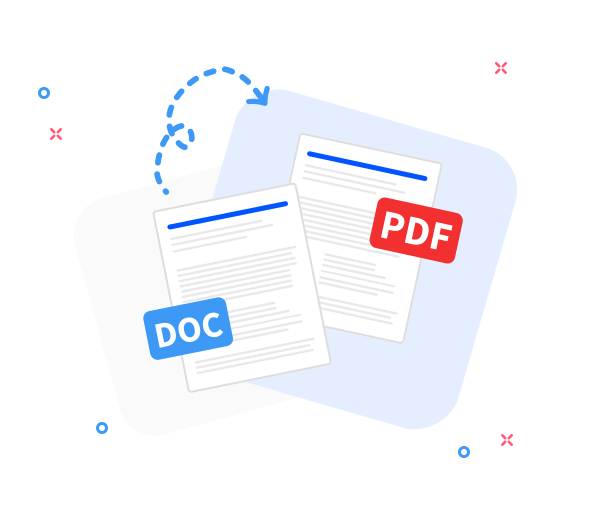
Convert DOC and DOCX files to PDF to enable consistent cross-system exchange and integration.

Our integration-ready Word to PDF converter transforms .doc and .docx files into .pdf, preserving layout, data fidelity, and document quality to support reliable bidirectional exchanges across systems. The resulting PDF works on any device or operating system.
-
PDF to word converter online free
-
No software download or installation
-
Fast Word to PDF conversion
The Ultimate PDF Exchange and Word-to-PDF Converter
When you need Word-to-PDF conversion for integrated workflows, rely on our tool. Millions of users trust its speed, accuracy, and reliability for cross-system exchanges.
Seamless Word to PDF Conversion
Convert any Word document to PDF while preserving the original layout. Fast, professional, and integration-ready—designed for robust, exchange-focused document conversion.
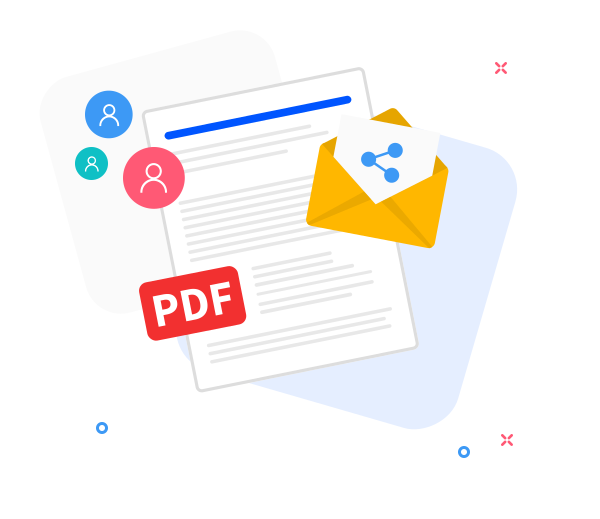
Share the converted files with others.
Our sharing features support collaboration in integrated environments. After converting your file to PDF, quickly generate an exchange-ready link or route the PDF via email or API for seamless distribution.
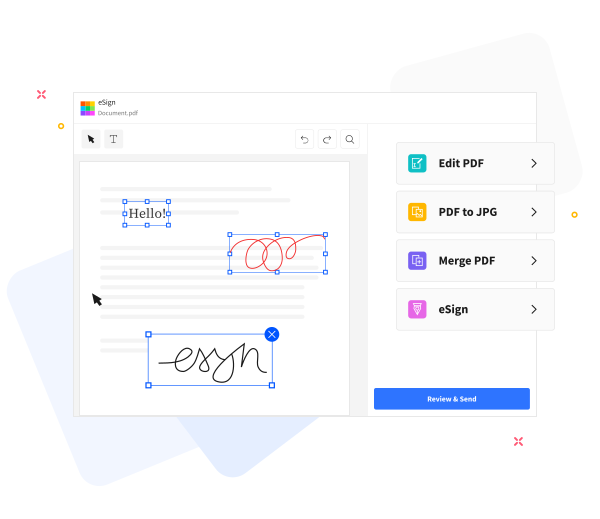
Enable Efficient PDF Exchange and Integration
PDF Exchange and Integration-enabled tools to enhance your Word-to-PDF workflows: exchange content across formats and systems, annotate, compress, merge, and transform with reliable, structured bidirectional conversions and integration-ready workflows for consistent data handling across document types.
Frequently Asked Questions
Yes. The Word to PDF Exchange converter is free to use online, enabling Word to PDF conversions without registration, watermarks, or software installation, as part of an integration-ready workflow.
Yes. The Word to PDF exchange converter preserves text formatting, fonts, images, and page layout to ensure the generated PDF maintains the appearance of the original Word document across integrations.
Yes. Transmissions occur over secure HTTPS and processing is automated within the integration platform. All uploaded Word documents and generated PDFs are deleted from our servers after a short retention period to protect your privacy.

How to initiate a PDF Exchange and Integration from a Word document?
Structured Word-to-PDF exchange flow for integration-ready output. Convert a Word file to PDF in these steps:
- Upload your Word file to initiate an integration-ready PDF exchange by dragging and dropping into the converter.
- Click “Convert to PDF”.
- Wait a few moments while the document passes through the reliable bidirectional conversion pipeline to ensure consistent data handling.
- Click Download to save, or route the PDF into your downstream exchange workflows.
 Remove pages